Download PasteNotch for Mac
PasteNotch is a free download for macOS 14 Sonoma or later: use everything in the app for 14 days, then pay $4.99 once. It is a clipboard manager that opens from your MacBook's notch, the menu bar or ⇧⌘V.
What do you need to run PasteNotch?
- A Mac with macOS 14 Sonoma or later. It works with or without a notch; without one, open it from the menu bar or with ⇧⌘V.
- A free sign-in with Google or an email code. It starts your 14-day trial. No subscription is needed.
How do you install PasteNotch?
- Click Download for Mac. You get a ZIP file.
- Open the ZIP in your Downloads folder to unzip it.
- Drag PasteNotch into your Applications folder.
- Open PasteNotch from Applications. macOS may ask you to confirm you want to open an app downloaded from the internet.
- Sign in with Google or your email.
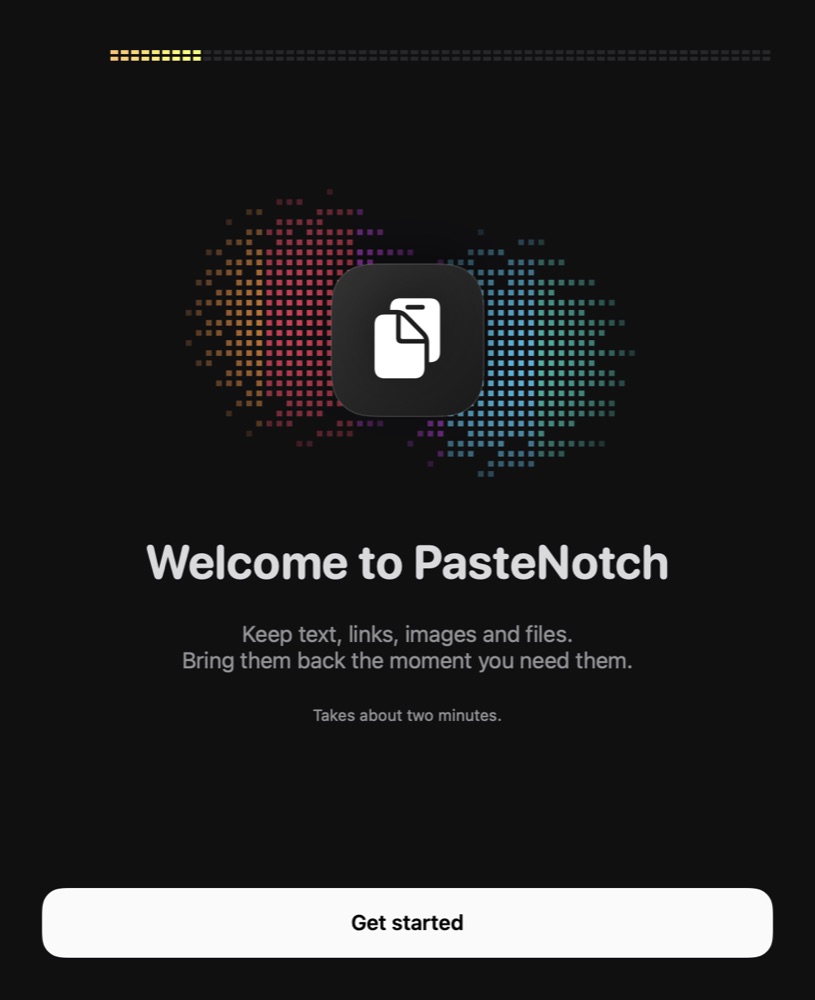
- Follow the short setup. It takes about two minutes: check that clipboard capture is on, allow the permissions you want and choose what ⇧⌘V opens.
Which permissions does PasteNotch ask for?
Only the tools you use need a permission. You can skip any of them and turn them on later in Settings.
| Permission | What it's for |
|---|---|
| Clipboard access (macOS 15.4 and later) | Keeps every copy without a prompt each time. If macOS asks, choose Always Allow. |
| Accessibility | Pastes a clip straight into the app you were using. Copying works without it. |
| Screen & System Audio Recording | Screenshots, copying text from an area and screen recording, the capture tools in PasteNotch Cloud. |
| Microphone (macOS 15 and later) | Only for screen recordings with your mic on. |
Is the download notarized by Apple?
Yes. PasteNotch is signed with an Apple Developer ID and notarized by Apple, so macOS opens it without a security warning about an unidentified developer.
How does PasteNotch stay up to date?
The Mac app updates itself. When a new version is out, PasteNotch offers it with the release notes from the changelog. To check right away, choose Check for Updates… from the PasteNotch menu.
What does it cost after the trial?
Everything in the app is free for 14 days. After that, PasteNotch is $4.99 once. If you don't buy it, your clips, search and paste keep working, but saving new clips pauses.
PasteNotch Cloud is $4.99 a month with 25 GB of storage. It includes the app and adds screenshots, area OCR, screen recording, Screenshot Studio, share links and a web library.
Is there an iPhone app?
The iPhone companion needs iOS 17 or later. It is in internal TestFlight testing and not yet on the App Store.
Ready to try it?
Free for 14 days, then $4.99 once. macOS 14 or later.